
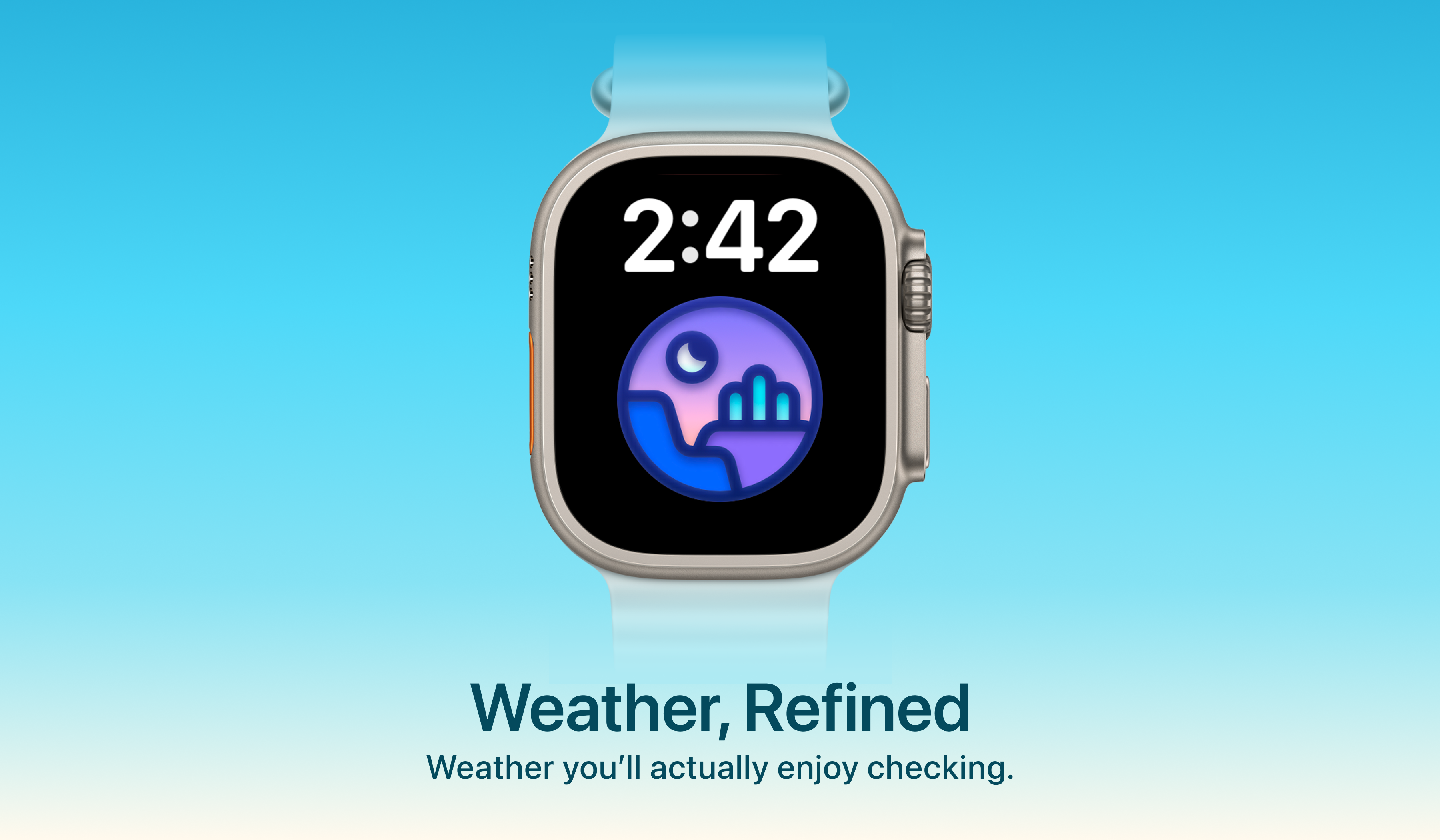
Weather mini began on Apple Watch.
When Ann and I released it in 2019, it was a paid, watch-only app called simply Weather mini.
With Weather mini 3.4, the Apple Watch experience is now included in Weather mini, can still be used independently on the Watch, and is completely free. There is no separate Watch purchase and no in-app purchases on Apple Watch.
This is not a temporary promotion. It is a product decision.
Getting here was more complicated than it should have been. For years, the App Store treated the Watch app and the rest of Weather mini as separate products. To explain why we changed the price, it helps to explain how one app became two.
Built for the Wrist
The first Weather mini was designed entirely around Apple Watch.
We liked the idea of a weather app that lived on your wrist: quick to check, easy to understand, and useful without reaching for a phone. We also wanted it to feel different from a conventional weather utility.
Ann creates Weather mini’s illustrations, characters, scenes, and color palettes. Many of them are animated. From the beginning, we wanted weather to be more than temperatures, percentages, and symbols.
Weather is information, but it is also atmosphere.
A gray morning, a bright afternoon, an approaching storm, or snow overnight all have a visual character. Weather mini was our attempt to express some of that character on a very small screen.
The app was intentionally small and focused, but it was a complete product in its own right. It was available only on Apple Watch, and we sold it as a paid app.
How One App Became Two
After the Watch app, we built a separate macOS app called Weather mini for Mac. It introduced ideas that made sense on a larger screen, including Weather mini’s Live Dock experience.
People later began asking for Weather mini on iPhone and iPad, so we expanded the Mac app into a broader multi-platform product. Since it was no longer just a Mac app, it took the simpler name Weather mini. To distinguish the original app, we renamed it Weather mini for Watch.
The naming history is easiest to understand as two branches:
- Weather mini, released in 2019 as the original watch-only app, later became Weather mini for Watch.
- Weather mini for Mac, created as a separate macOS app, was later expanded to iPhone and iPad and became the multi-platform Weather mini.
This was not a branding strategy. It was a consequence of Apple’s App Store architecture.
Universal Purchase allows supported versions of an app to share one App Store product across Apple platforms. That was the right structure for the Weather mini we wanted to build on iPhone, iPad, Mac, and eventually Apple Vision Pro.
But Apple’s documentation is explicit: watch-only apps cannot be part of Universal Purchase.
The original 2019 Weather mini record was watch-only, so it could not become the shared App Store record for the other platforms. We used the Mac app as the foundation of the multi-platform Weather mini instead, while the original Watch app remained under its own App Store identity.
Apple also does not allow separately created app records to be merged. Once the two records existed, there was no way to turn them into one record later.
For years, we therefore maintained two products:
- Weather mini, for iPhone, iPad, Mac, and Apple Vision Pro
- Weather mini for Watch, the original paid watch-only app
The history made sense from a developer’s perspective. To everyone else, there were simply two Weather mini apps.
Our App Store History Should Not Be the User’s Problem
Software accumulates history.
Bundle identifiers, app records, platform rules, and naming compromises can all become part of a product’s structure. Developers understand those decisions because we experience them one step at a time.
Users should not need to understand them.
Someone discovering Weather mini today should not have to know which app came first, why the Watch version had a different name, or why using Weather mini on Apple Watch required a separate purchase.
They should see one product.
That became the principle behind Weather mini 3.4.
We could not merge the old App Store records. Instead, we brought the Watch experience into the multi-platform Weather mini as its watchOS app.
The product structure now matches the way we think about it: Weather mini is the product, and Apple Watch is one of its platforms.
Included with Weather mini, Independent on Apple Watch
Being included with Weather mini does not make the Watch app a remote control for the iPhone app.
It can still be used independently on Apple Watch. You can check current conditions, hourly forecasts, precipitation, and other useful details directly from your wrist. Weather mini also supports complications and the Smart Stack, so much of the experience is available without opening the full app.
The iPhone app does not need to be open for normal use.
That independence matters to us. A Watch app should respect Apple Watch as its own device, not feel like a smaller screen whose main purpose is to send someone back to their phone.
A comment in our recent Reddit discussion put it well: for weather on Apple Watch, a fast glance can matter more than a long feature list.
A complication may answer the question before the app is opened. A Smart Stack widget may provide enough context to decide whether to bring an umbrella. Opening the app should offer more detail, but it should not be required for every weather check.
Weather mini is designed around those quick moments: visual, animated, readable, and glanceable.
Why the Watch App Is Free
Charging for Weather mini for Watch made sense when it was a separate product.
It had its own App Store listing, its own development work, and its own identity. Its price communicated that independence.
Once the Watch experience became part of Weather mini, the same price would communicate the wrong thing. It would continue telling users that the Watch app was a separate product, even after we had brought it into Weather mini.
Pricing is not only a revenue decision. It also explains how a product is structured.
A separate price says: this is something different, and you need to decide whether to buy it separately.
That is no longer how we see the Watch app. It is now part of Weather mini, just like its versions for iPhone, iPad, Mac, and Apple Vision Pro. So we removed the separate Watch purchase.
The Watch app is free to use, with no in-app purchases on Apple Watch.
Weather mini remains free to download and use for everyday weather checks. It also offers optional Plus features for people who need higher limits and more advanced capabilities, but the Watch experience itself is not placed behind a purchase.
We did not make the Watch app free because it had become less valuable.
We made it free because charging for it separately no longer matched the product.
One Weather mini
From the outside, Weather mini 3.4 may look like a pricing change.
For us, it resolves a product split that began years ago. A technical constraint had become visible to users as different names, different App Store products, and a separate price.
That complexity no longer defines the current product.
Weather mini is the product. Apple Watch is one of its platforms. The Watch app remains independent in use and is designed around quick wrist interactions, complications, the Smart Stack, and Weather mini’s illustrated view of the weather.
And it is free.
Weather mini began on the wrist. Now the Watch experience is finally part of the same Weather mini as the rest of the product.