
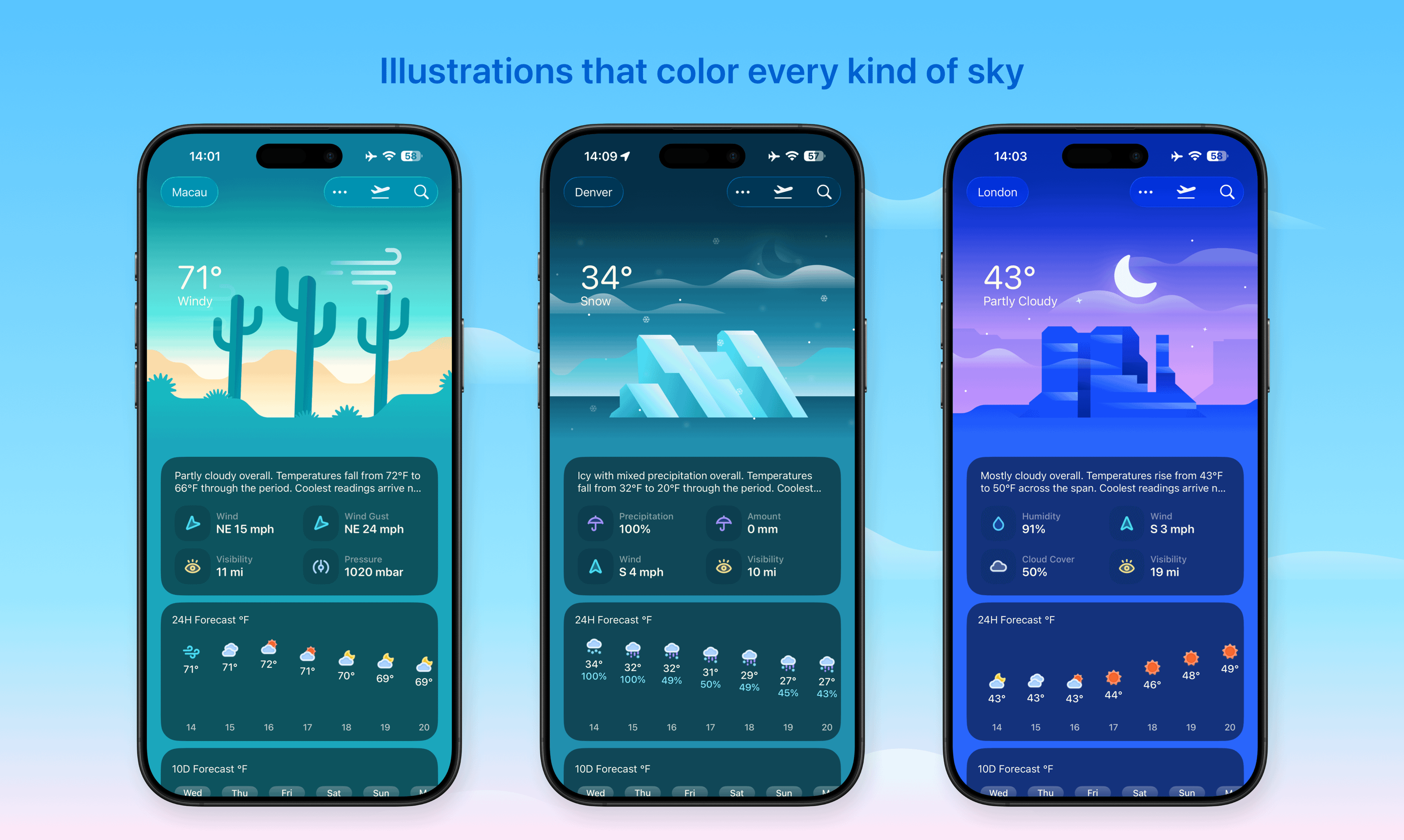
Weather mini 3 is a major rebuild of Weather mini for iPhone, iPad, Mac, and Apple Vision Pro.
This release keeps the small-app spirit of Weather mini, but brings it into a much broader shape: refreshed illustrations, smarter trip planning, better Mac integration, useful widgets, and quick actions that work from Spotlight and Shortcuts.
The goal is simple: weather should be beautiful, glanceable, and practical when you are deciding what to wear, where to go, or how a trip might feel across several cities.
Back on Product Hunt
Weather mini began as a Mac app, and the first version launched on Product Hunt in 2020. Weather mini 3 brings that story back with a more universal app: new illustrations, trip forecasts, Live Dock weather, widgets, Spotlight, and Shortcuts across iPhone, iPad, Mac, and Apple Vision Pro.
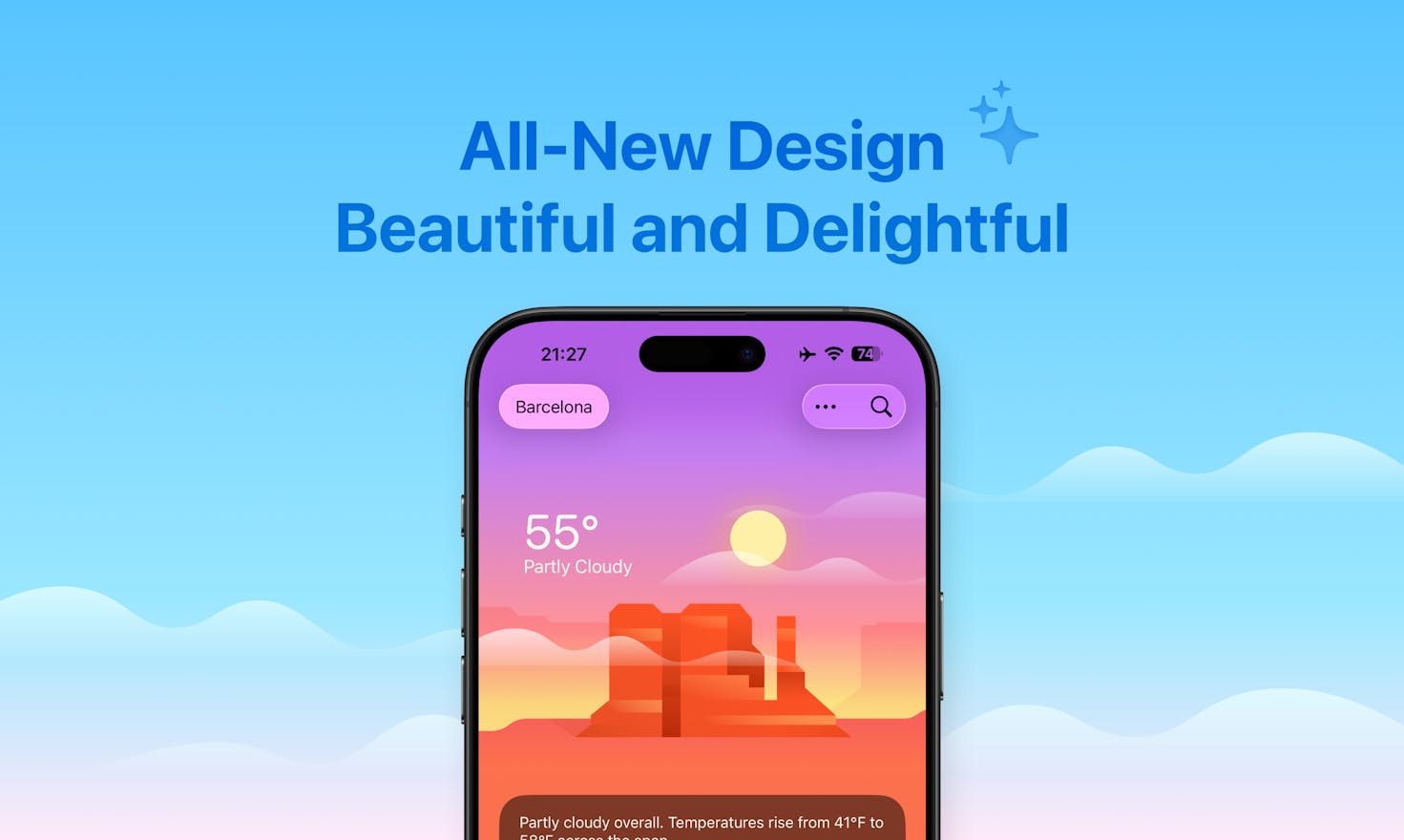
Rebuilt Weather Illustrations
The original Weather mini for Mac was built around lively weather illustrations. For Weather mini 3, we recreated the illustration system for the new design, with smoother animations and support for light and dark appearances.
The illustrations are still intentionally calm. They are there to make the weather easier to read at a glance, not to turn the app into a noisy dashboard.
On Mac, the same visual direction also extends to the Dock. Weather mini can show a live Dock forecast, so the current condition stays visible even when the main window is closed.
Trip Forecasts
Planning weather for one city is easy. Planning weather for a real trip is usually not.
If you are visiting several places, or checking dates that are far enough apart to need context, it is easy to bounce between a wiki page, a few browser tabs, and multiple city forecasts just to answer one basic question: what is it like there at that time?
Trip Forecasts are built for that moment. Enter multiple cities and dates, and Weather mini creates a quick overview for the whole plan.
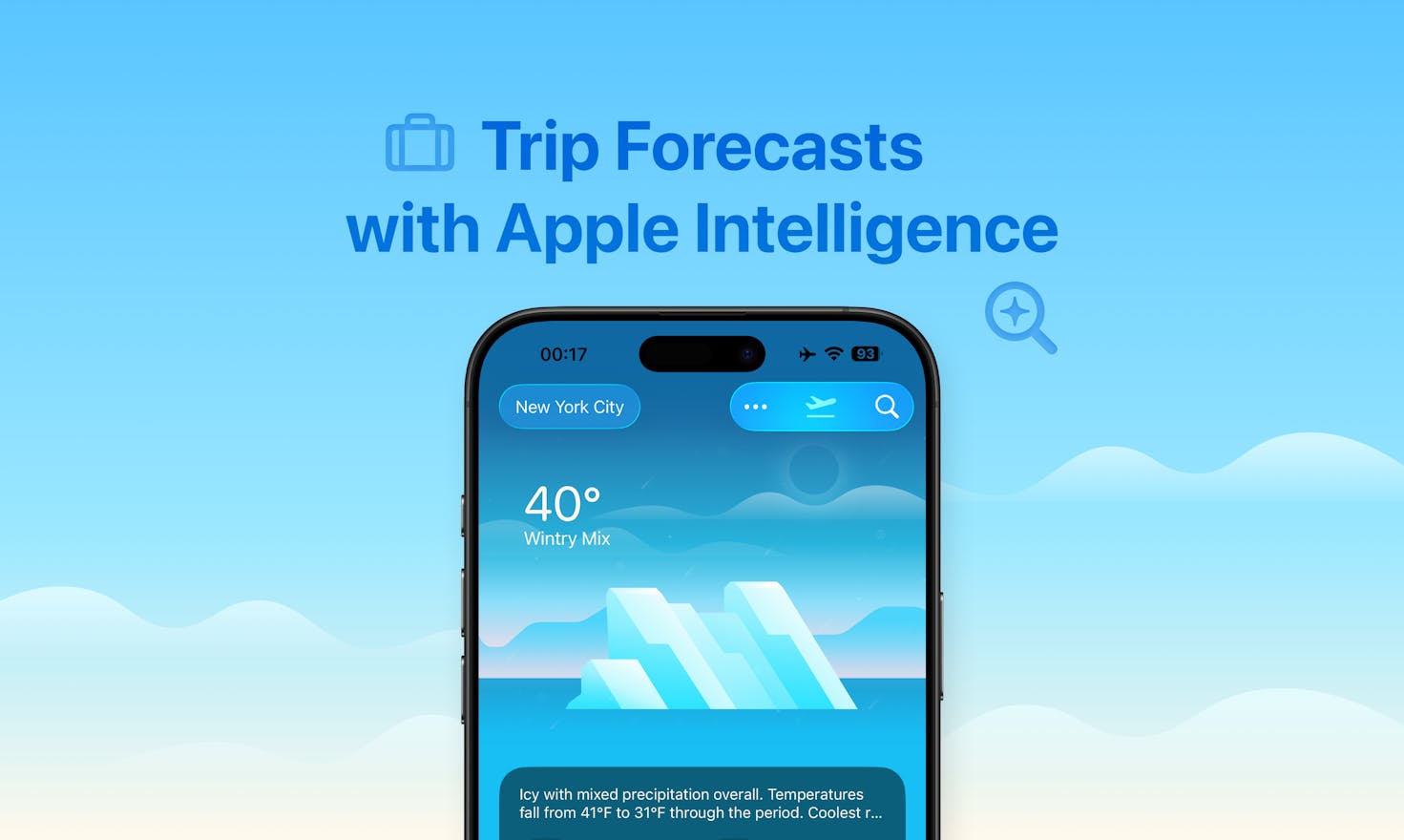
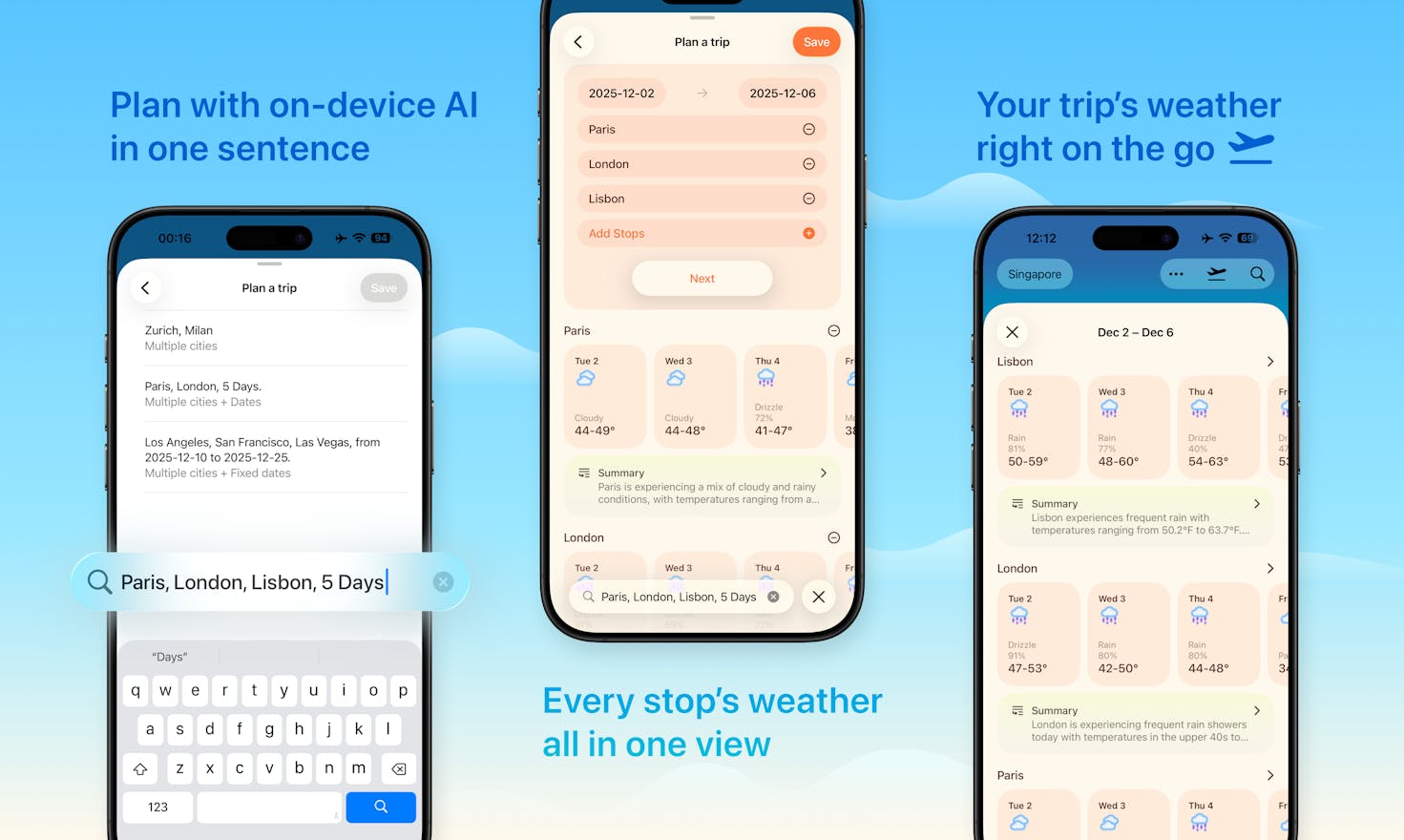
When Apple Intelligence is available, Weather mini can use on-device intelligence to make the planning flow faster and more convenient. The trip text is not uploaded to our server, and there is no account system behind it. The forecast data still comes from Apple’s WeatherKit.
Spotlight and Shortcuts
Weather is often something you want quickly, without opening a full app and navigating around.
Weather mini 3 adds quick actions for Spotlight and App Shortcuts. On Mac, that means you can jump into common weather tasks directly from Spotlight. On iPhone and iPad, the same intent-based actions can fit into Shortcuts workflows.
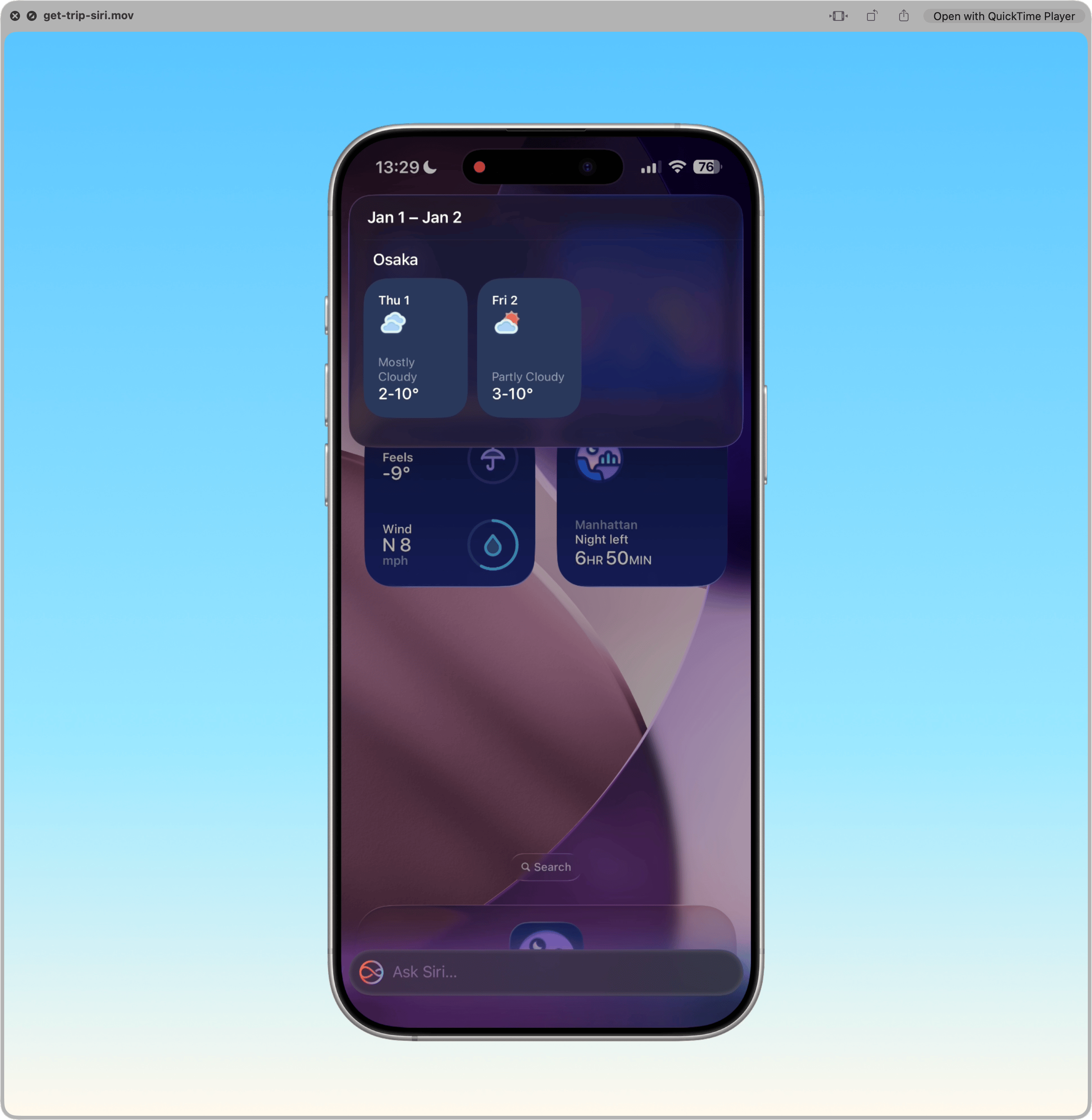
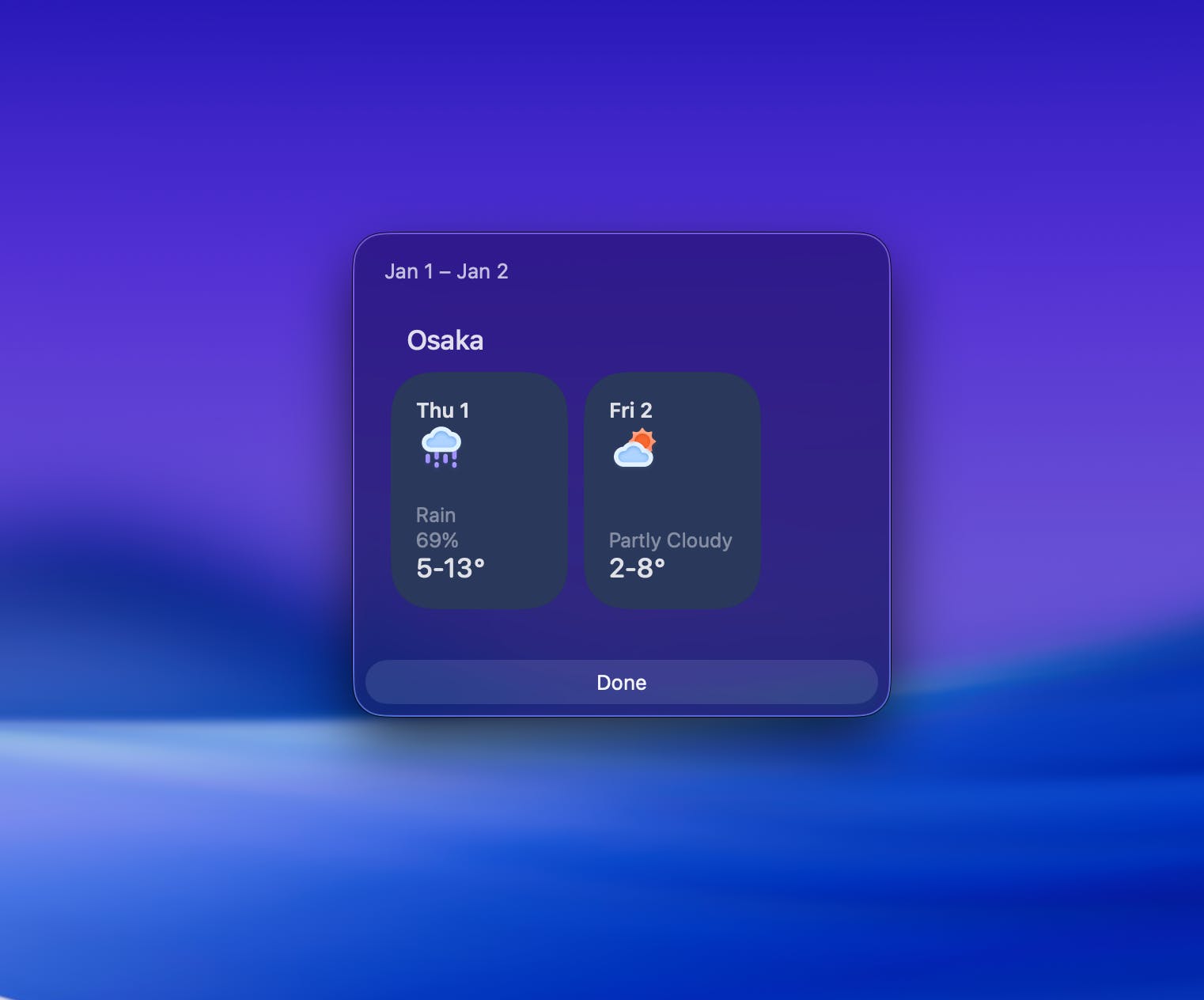
This is the kind of system integration we like: small, fast, and useful when you already know what you are trying to do.
Widgets, Forecasts, and Multiple Cities
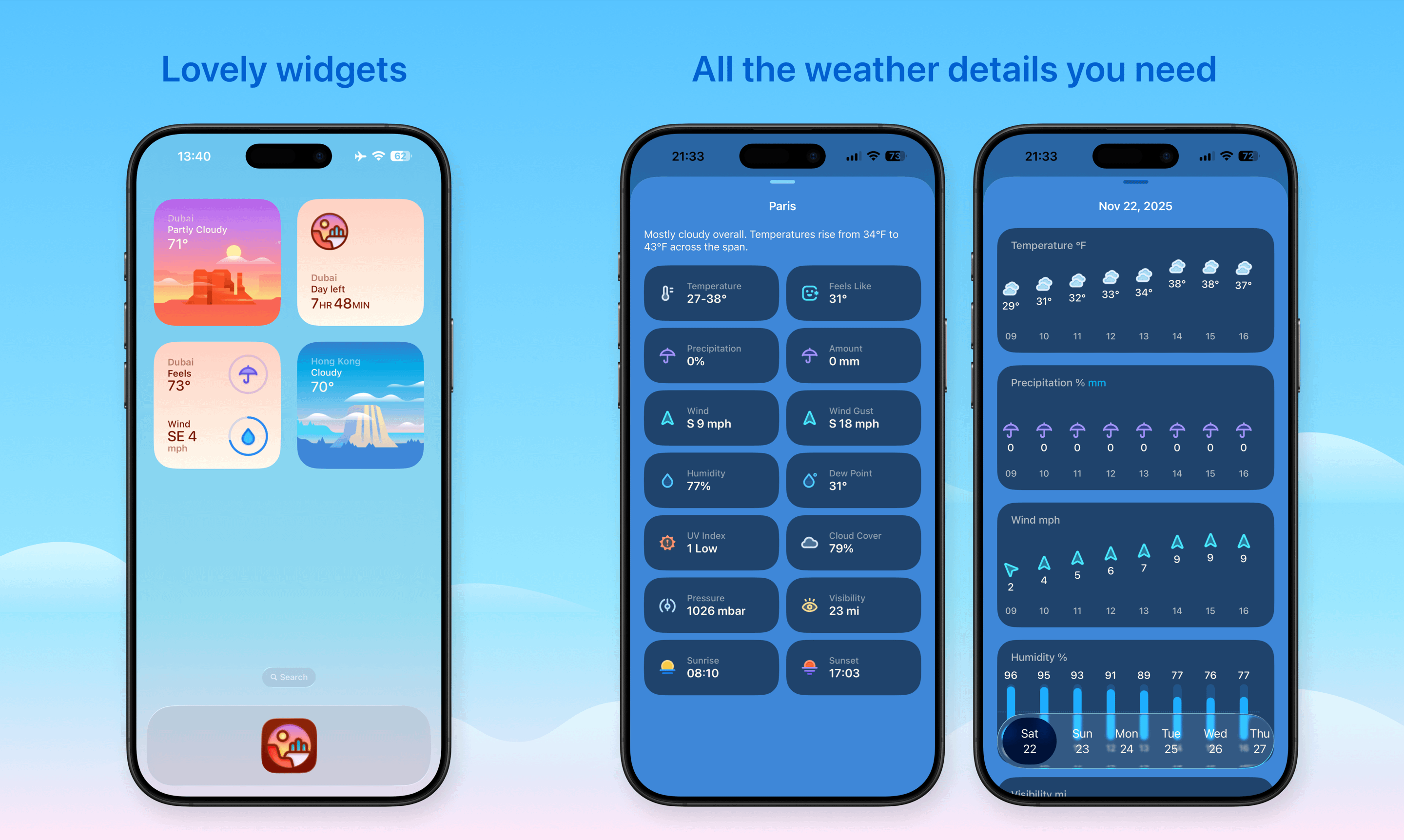
Weather mini 3 supports widgets for the Home Screen, desktop, and supported Apple platforms. Widgets can show a saved city, current conditions, forecast details, or day and night context.
Inside the app, Weather mini supports detailed hourly forecasts, daily forecasts, multi-city lists, and fast city search. City search is designed to work on-device, so you can find cities without sending every search through our own service.
Privacy and Weather Data
Weather mini uses Apple’s WeatherKit for weather data. We do not run a third-party weather service, and we do not collect personal data from the app.
Location is optional. You can use the app by choosing cities manually, and the app only asks for location when you choose to use Current Location or a feature that needs it.
For trip planning, the Apple Intelligence part is also designed around local processing when the device supports it. The intent is to make trip forecasts more helpful without turning a small weather app into a cloud account product.
Plans and Previous Users
Weather mini is free to download, and you can start using it without subscribing.
The optional Plus and Lifetime plans unlock more capacity, including more saved cities, longer trip forecasts, and widgets. Family plans support Family Sharing.
For people who bought earlier versions of Weather mini for iPhone, iPad, or Mac, we also prepared an automatic lifetime upgrade for Weather mini 3.
Weather mini for Watch is now a separate standalone watchOS app. It is optimized for Apple Watch and sold separately from the main iPhone, iPad, Mac, and visionOS app.
What’s Next
Weather mini 3 gives us a new foundation to keep improving the app across Apple’s platforms.
We are continuing to work on the roadmap, including richer widgets and more detailed forecast experiences. Minute-level precipitation forecasts are also on the list.
If you try Weather mini 3, we would love to hear what works well for you and what still feels missing.